Trusted by the World’s Best to Find & Grow Business
I recommend FindEmails.com to any sales and marketing organization looking to enhance their contact data.

FOUNDER, SMARKLABS
FindEmails.com is a must-have for any bussiness development or sales person's arsenal. It helps me connect with the people I'm trying to reach. I highly recommend it!.

CO-FOUNDER, TROOPS
FindEmails.com is a salesperson's best friend. It can discover most people's email and, it never lies. Just enter your contacts details and you're already one step closer to closing the sale.

ACCOUNT MANAGER, ICB
FindEmails.com has changed the game for our outreach. It's truly an amazing and essential tool that should be a part of any modern sales and marketing stack.

FOUNDER, SMARKLABS
Search by Name, Job Role, Company and Location

Email Finder
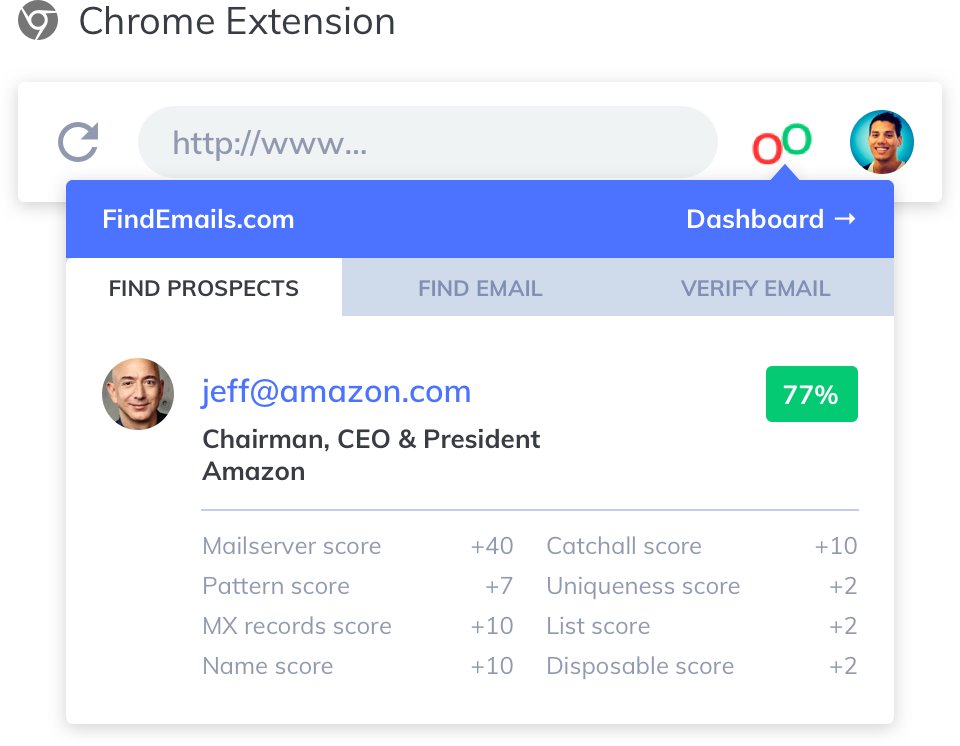
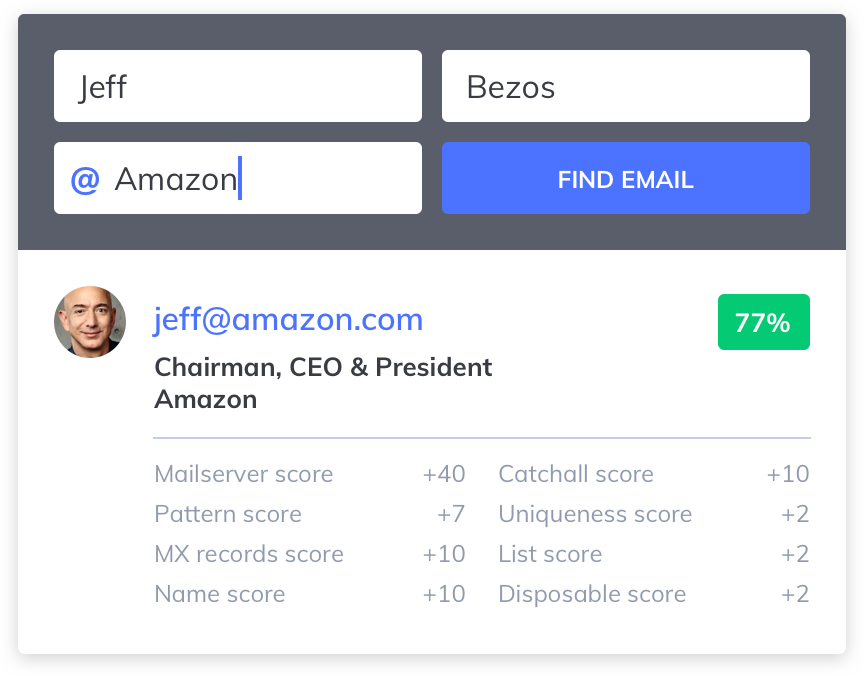
Find email addresses for leads searching by name and the company they work for. Available in bulk, via Chrome Extension and our developer-friendly API.

Prospect
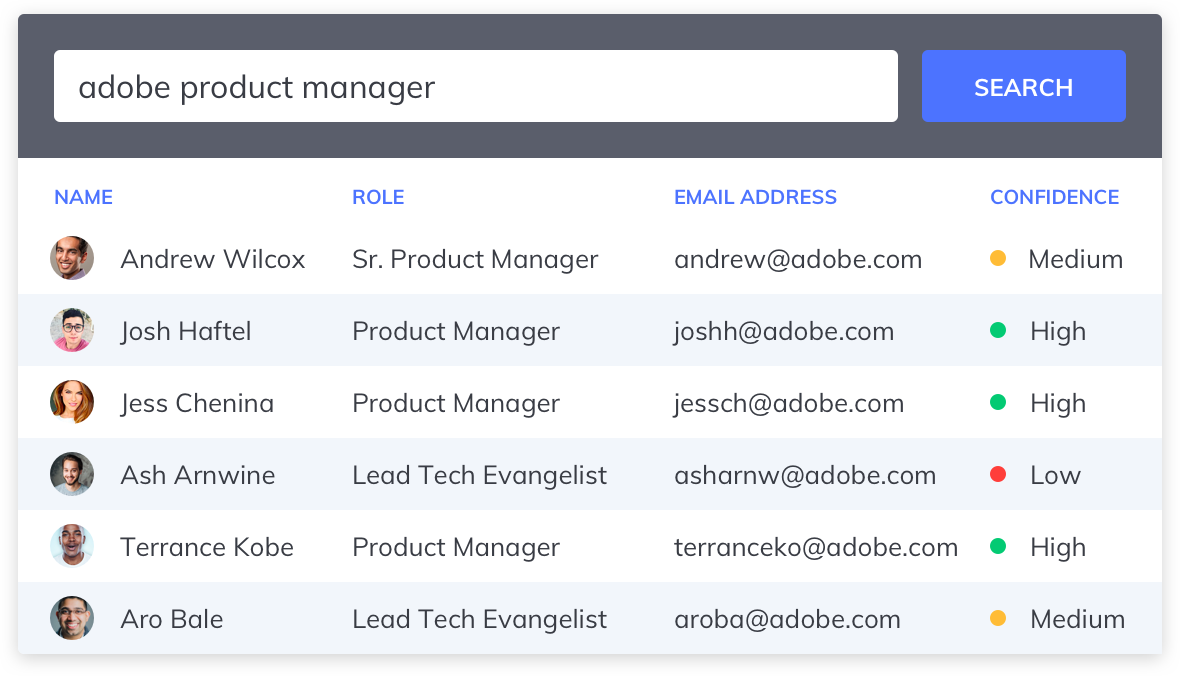
Targeted lead and account lists at your fingertips. Search by company, job role and company to get fresh targeted leads in a matter of minutes.
What Customers Use FindEmails.com For

Sales
Get in touch with decision-makers and generate qualified leads whenever you need them.

Content Marketing
Build links, land guest post gigs, establish relations with authors and create buzz around your content.

Recruiting
Reach more quality candidates, land more interviews and hire better talent.

PR
Get ahold of the hottest journalists to get your story in front of the right eyeballs.

Developers Love Our API
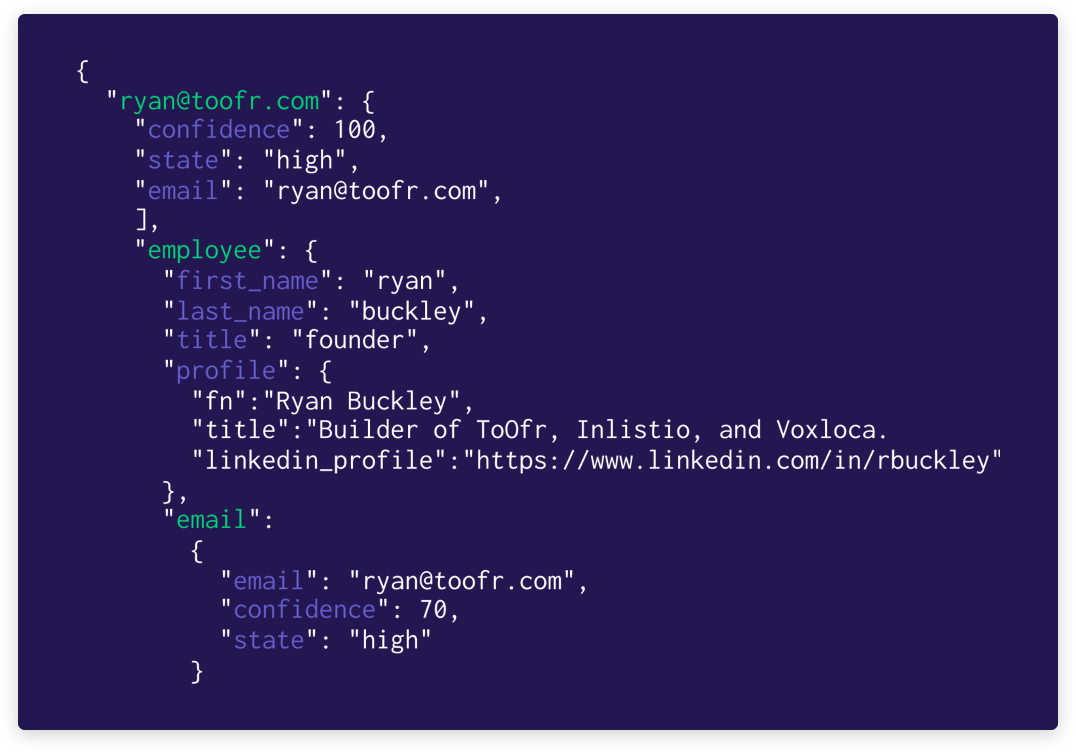
Teams can use our API to track down business emails and extract prospects from webpages and our database from within processes and applications.
Find Emails wherever
you go on the web